SFS Architecture website revamp
Developers and property owners in Johor and Singapore
sfs-architecture
The brief
Clean, professional and good-looking without being showy, built for a local professional-services audience. Aedas and Gensler are loose reference only; the site should not look like either.
Working direction: a static hero at about 70vh, a restrained type scale, a simple fade-up and nothing else, a three-column 4:3 project grid with a sector filter, one accent colour taken from the SFS logo, and plain outcome-focused copy.
Pages: home, projects, project detail, about and team, careers, contact with map and WhatsApp.
Not on this site
Italic serif accents, scroll-driven reveals, counters, mono-caps labels, full-bleed video heroes, oversized display type
sfs-architecture
Type
sof-0025
No. 0025
Photograph by Annie Spratt
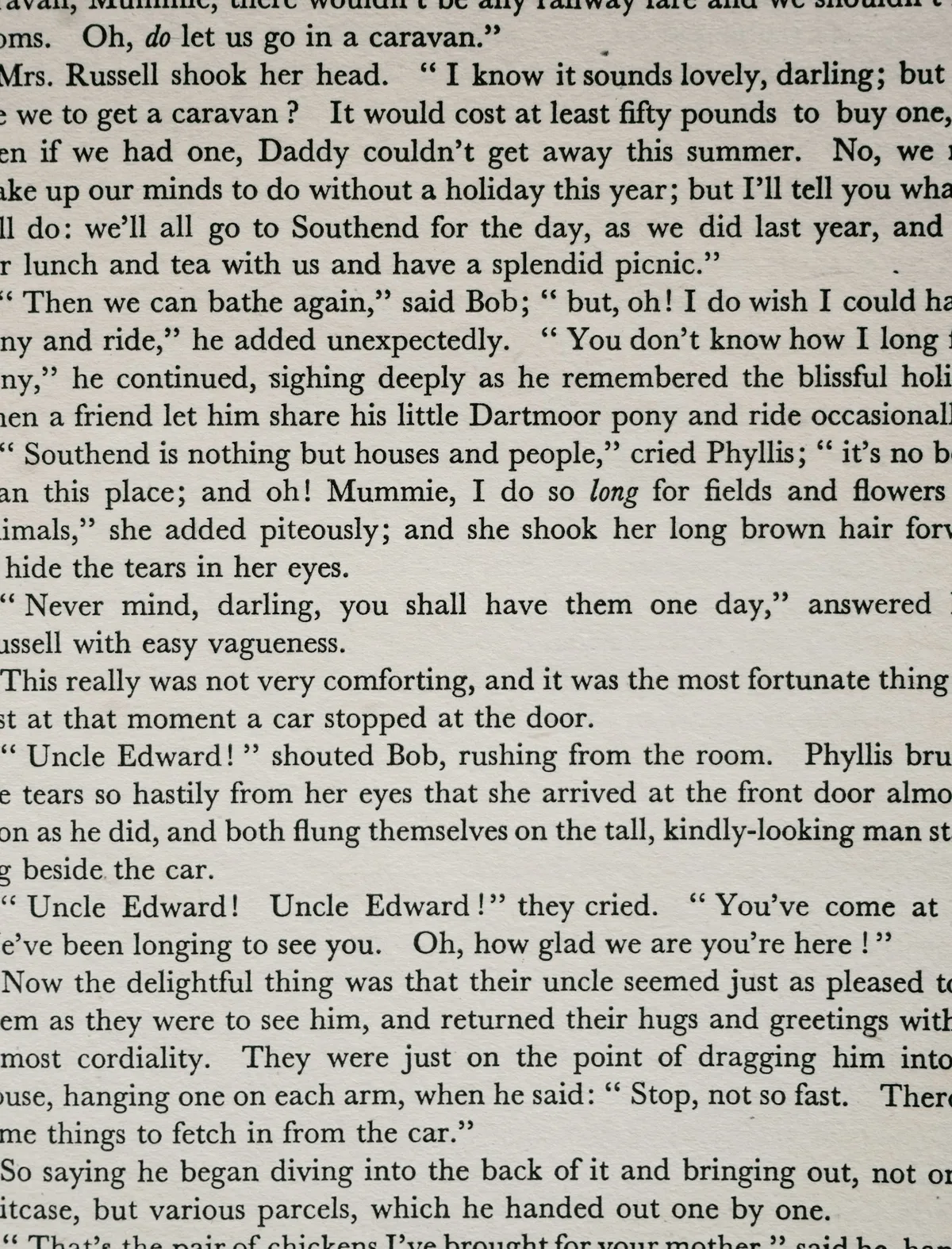
A page of serif text
Set the whole block at one size and let leading, not weight, separate the lines.
Take
Body copy at one size, with leading and a 36rem measure doing the separating. No bold runs, no colour, no rules inside a paragraph.
Leave
The serif. SFS is Inter throughout; the lesson is the leading, not the face.
sfs-architecture
Type
sof-0010
No. 0010
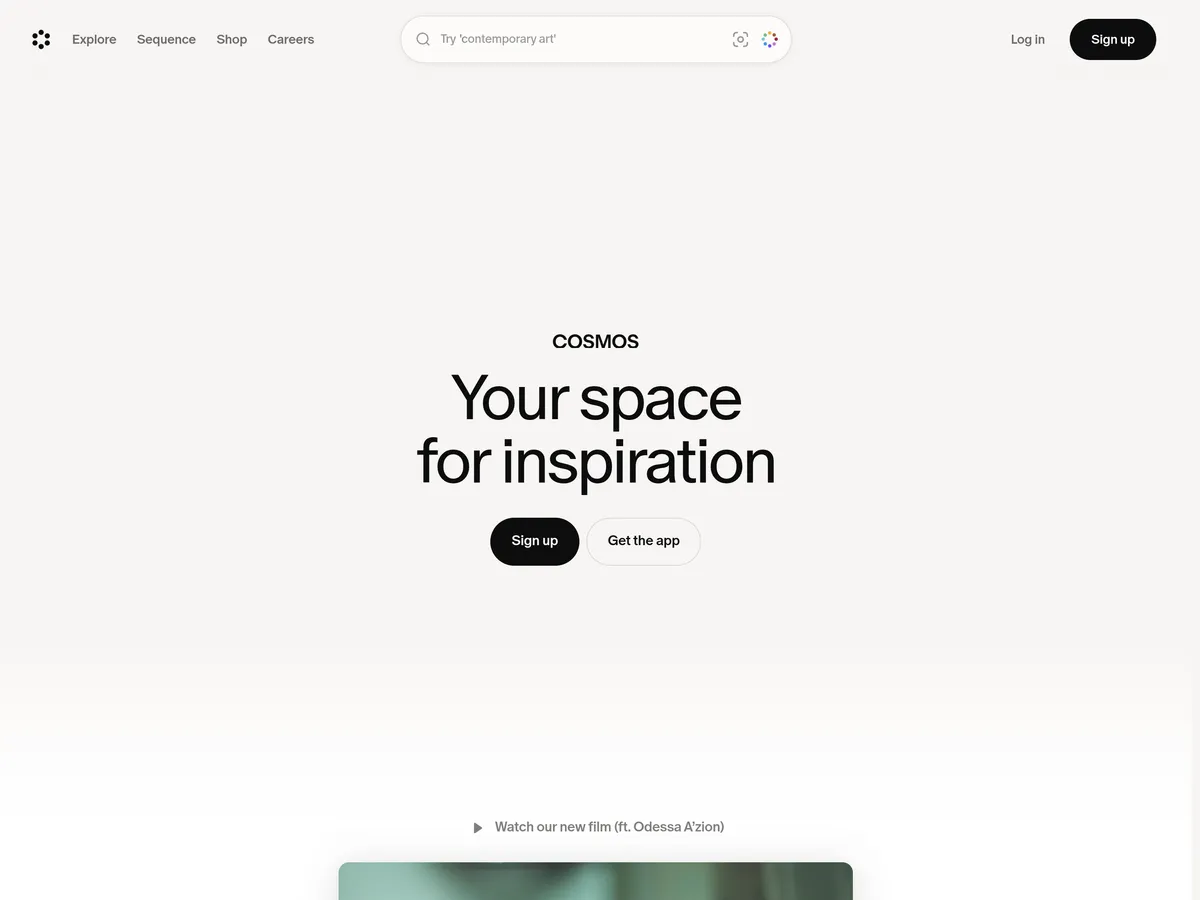
Cosmos
Cosmos
Say what the product is for in four words and put nothing else above the fold.
Take
Headings say what the thing is in a few words, set at 56px and no larger. Warm off-white ground, sentence case, left aligned.
Leave
The emptiness above the fold. SFS puts a photograph there, not air.
sfs-architecture
Colour and accent
sof-0057

No. 0057
Photograph by pippen
Box office, lit in the dark
Light only the words where money changes hands and the queue forms in the right place.
Take
One bright thing per screen. The accent from the SFS logo goes on links, the active filter, form focus and the map marker, and nowhere else.
Leave
The theatrical darkness. The SFS page sits on paper; only the footer and contact band go dark.
sfs-architecture
Colour and accent
sof-0028
No. 0028
Photograph by Milo Bauman
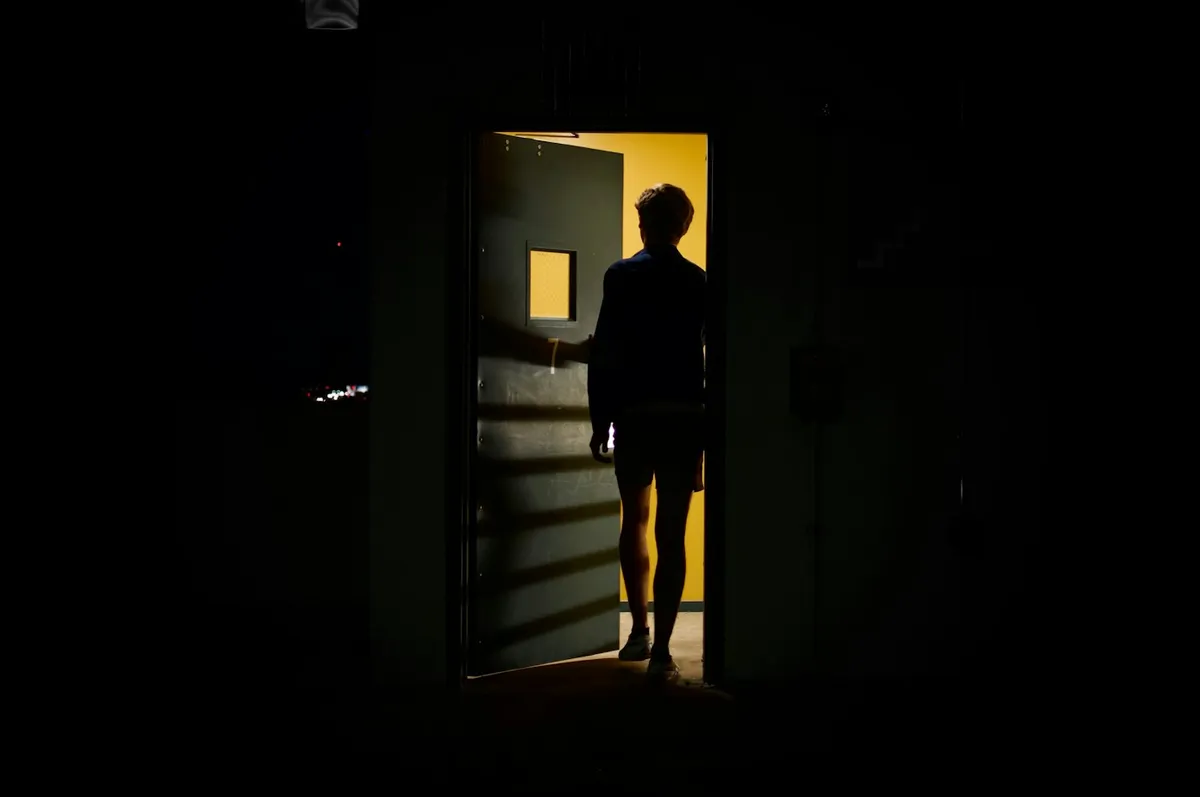
Open door into a dark room
Change the light level at the threshold so moving between two states needs no label.
Take
The jump from paper to the ink-dark contact band is the threshold. A hard change in ground tells the visitor they have reached the end and the call to action, with no label needed.
Leave
Nothing. One threshold per page is the right number.
sfs-architecture
Lines and rules
sof-0039
No. 0039
Stripe
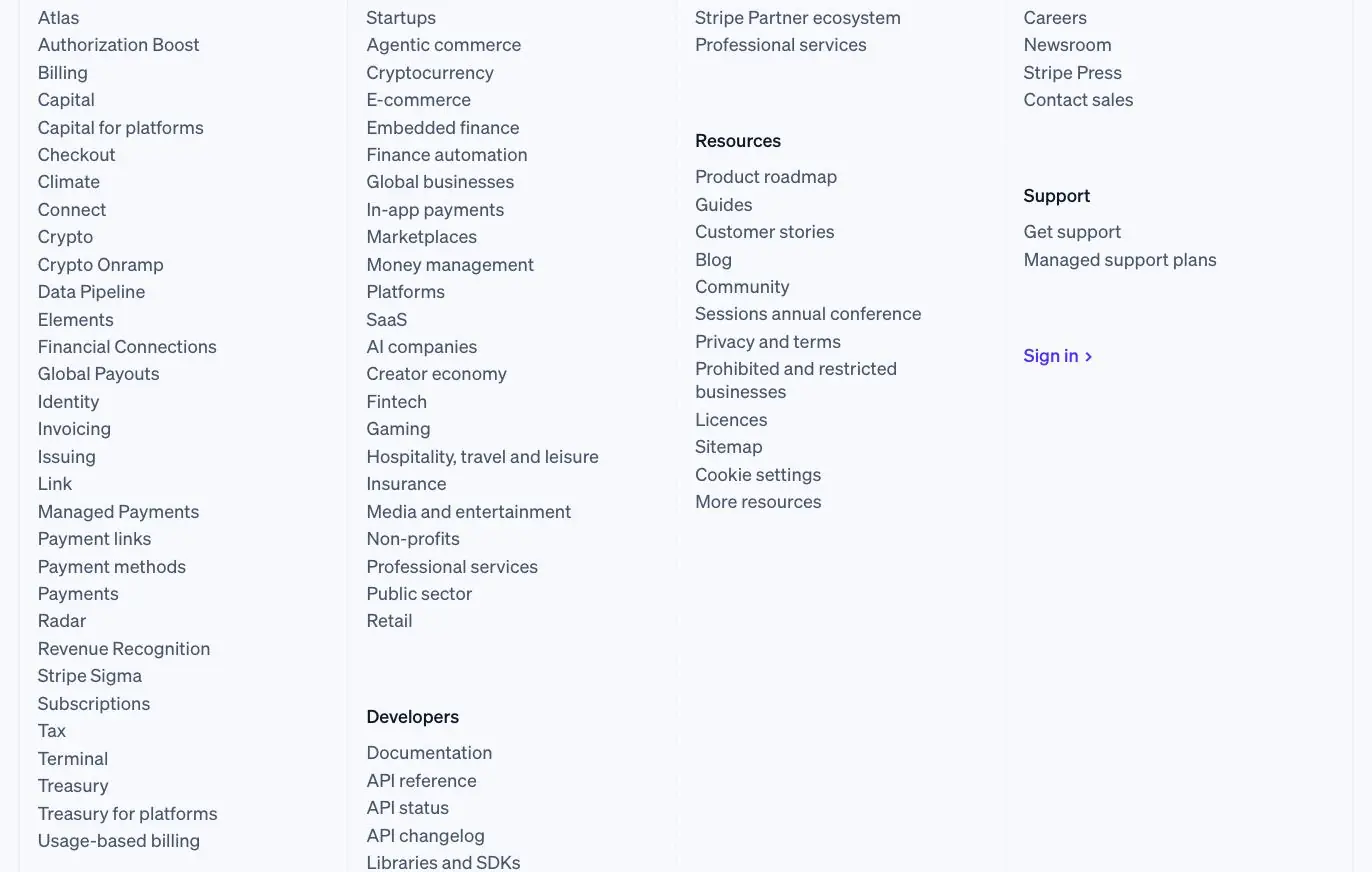
Stripe's footer as a site index
Set the footer as an alphabetised index in columns, not as a row of five links.
Take
Hairlines divide, boxes do not. 1px vertical rules between footer columns and between the facts on a project page, at 12% ink.
Leave
The four-column scale. SFS needs three short columns and a facts line.
sfs-architecture
Lines and rules
sof-0043

No. 0043
Photograph by Leyla M
Row of old books, spines out
Put the whole label on the spine so a closed thing still names itself in a row.
Take
Ruled rows for anything that lists: sector index, careers openings, project facts. Whatever shows when the row is closed has to be enough to choose by.
Leave
The stamped lettering and age. Keep the rows plain Inter at 17px with a hairline under each.
sfs-architecture
Cards and corners
sof-0048
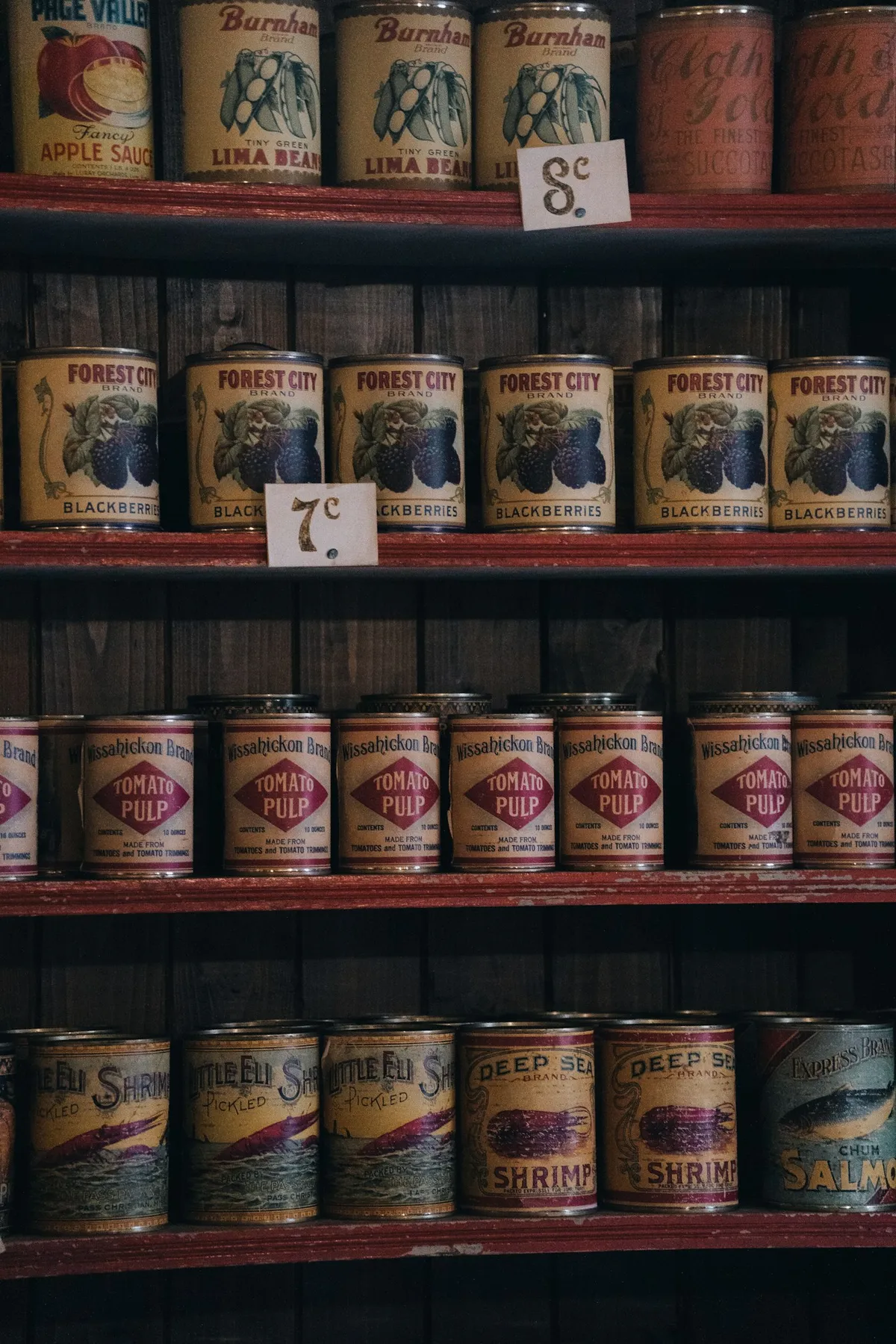
No. 0048
Photograph by Fabian Kleiser
Canned goods, one label, many products
Repeat one label layout across a range so a shelf of different things reads as one family.
Take
One card component across the whole site: 4px corners, white surface on paper, same padding, same label position. Project, sector, team and insight cards differ only in content.
Leave
The colour per tin. SFS cards do not change colour by sector.
sfs-architecture
Cards and corners
sof-0019

No. 0019
Photograph by Haberdoedas
Sale tags on a clothing rail
Hang one identical tag on every item so the only thing that varies is the price.
Take
Buttons and chips are one carrier repeated: 4px radius, 1px border, one fill for primary and one outline for everything else. The sector filter is a row of identical chips.
Leave
Fully rounded pills. SFS corners are small and square-ish, 4px on cards and buttons, 2px on inputs.
sfs-architecture
Photography
sof-0042

No. 0042
Photograph by Preslav Rachev
A magazine read in black and white
Hold one image treatment across a whole section so a long read stays one story.
Take
One image treatment across the whole site: daylight, straight verticals, light editing. The visitor never has to check whether they have left the practice.
Leave
The monochrome itself. SFS photographs stay in colour; the rule is consistency, not desaturation.
sfs-architecture
Hero
sof-0060

No. 0060
Mercury
Mercury, a photograph behind a bank
Put a real photograph behind a financial product so the promise reads as calm, not technical.
Take
One real photograph, four words, one action. Opens calm, not technical. Transfers straight to a 70vh hero with an SFS project photo.
Leave
The email capture. SFS's action is View projects or Contact.
sfs-architecture
Photography
sof-0054
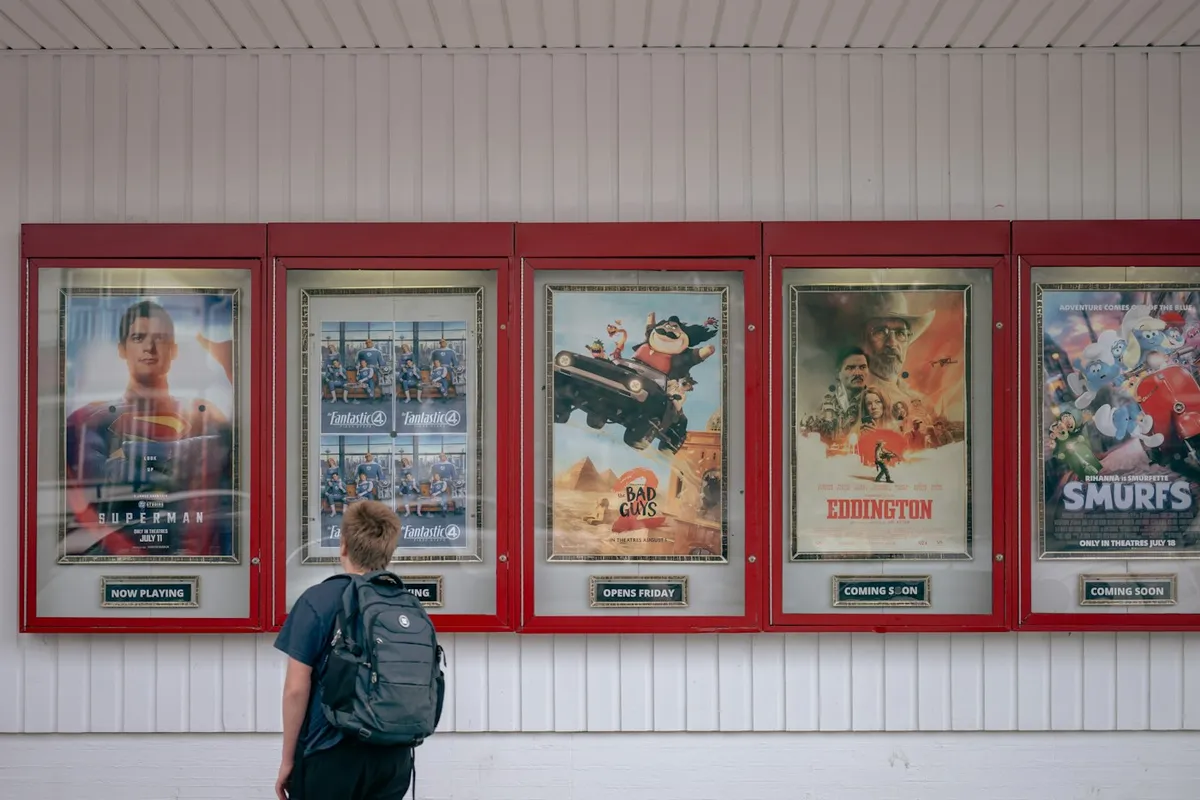
No. 0054
Photograph by Gabriela
A figure in front of the posters
Put a figure in the frame so the viewer reads the size of the thing behind them.
Take
A person in the frame gives a building its height. Ask SFS for one wide shot per project that has someone in it, for the hero and project openers.
Leave
Posed figures or staff portraits in project shots. Incidental, not styled.
sfs-architecture
Photography
sof-0036
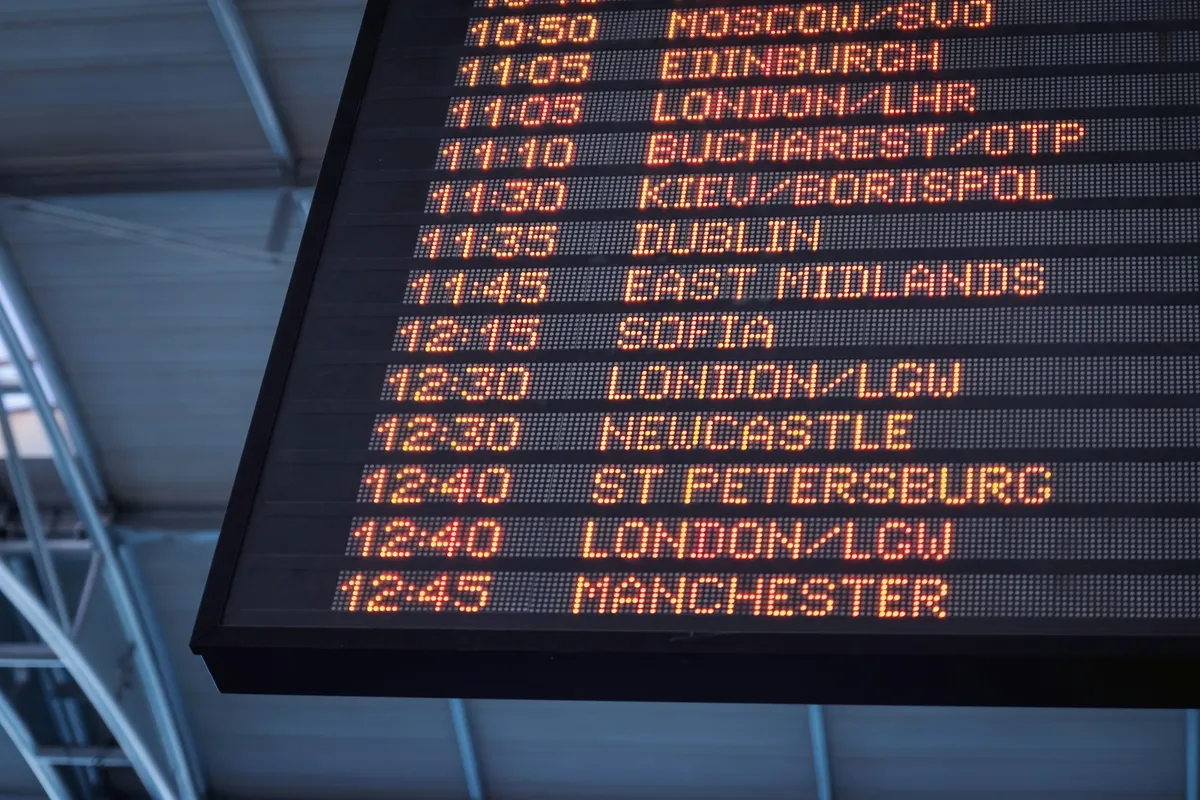
No. 0036
Photograph by JESHOOTS.COM
Departure board from below
Shoot the subject from below so it fills the frame and reads as scale, not content.
Take
Camera angle does the work a big headline would otherwise do. The hero photograph should be the one with the strongest angle, not the most complete elevation.
Leave
Dramatic low angles on every image. One per project, in the opener, and straight elevations for the rest.
sfs-architecture
Photography
sof-0051
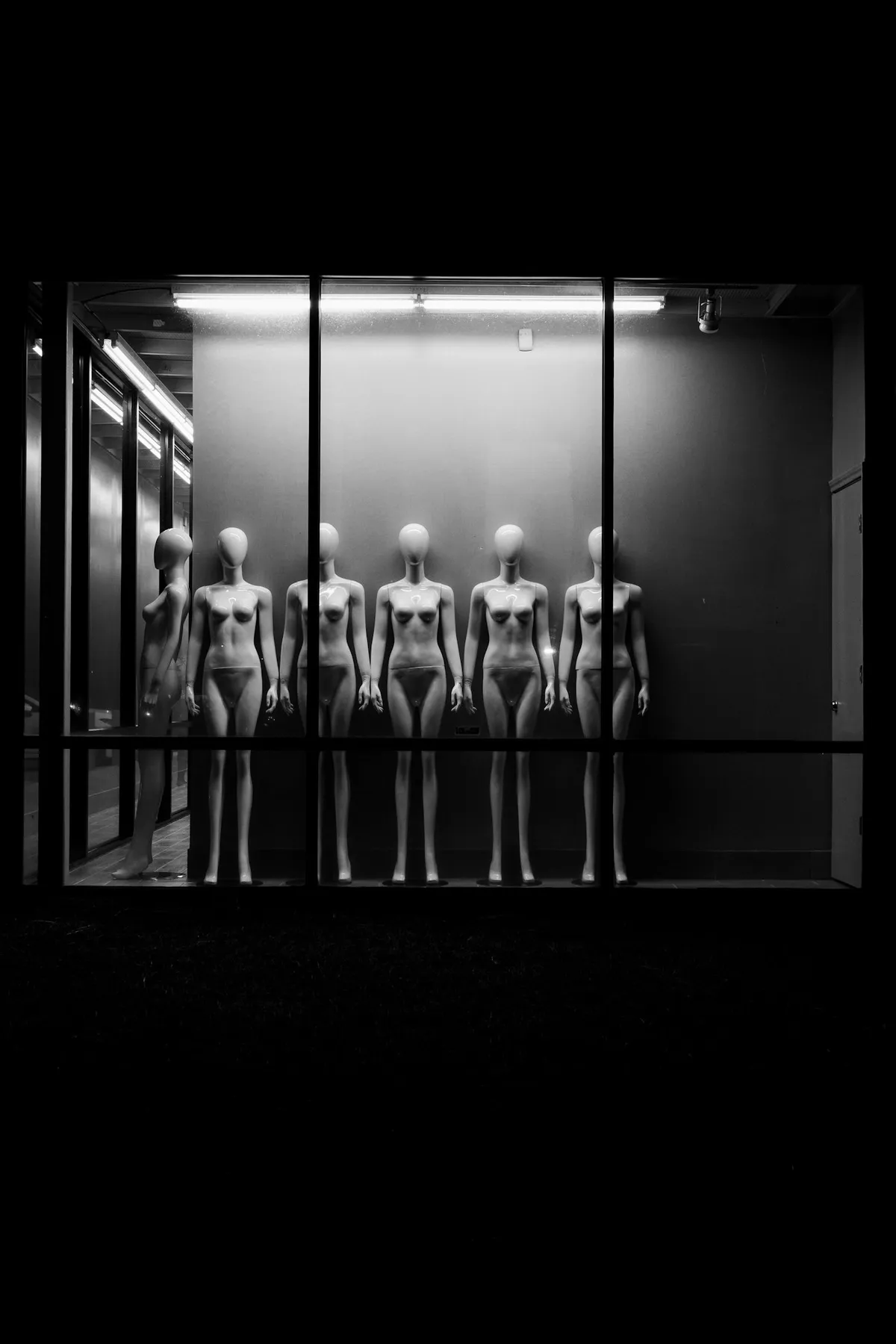
No. 0051
Photograph by Fujiphilm
Mannequins in a row, one dark window
Put the same form in a row and change one thing on each, so the range is the argument.
Take
Team portraits: same background, same light, same 3:4 crop, shot in one session. The people are the only variable.
Leave
The dark ground. Shoot the team on a plain light wall so the portraits sit on paper.
sfs-architecture
Motion
sof-0056

No. 0056
Photograph by John Moeses Bauan
Film unspooled across the floor
Show the whole ribbon at once so a sequence reads as one thing, not as separate steps.
Take
The fade-up is one move, 12px over 400ms, once per section. Not three animations queued behind each other.
Leave
Nothing. This is the whole motion brief.
sfs-architecture
Motion
sof-0026
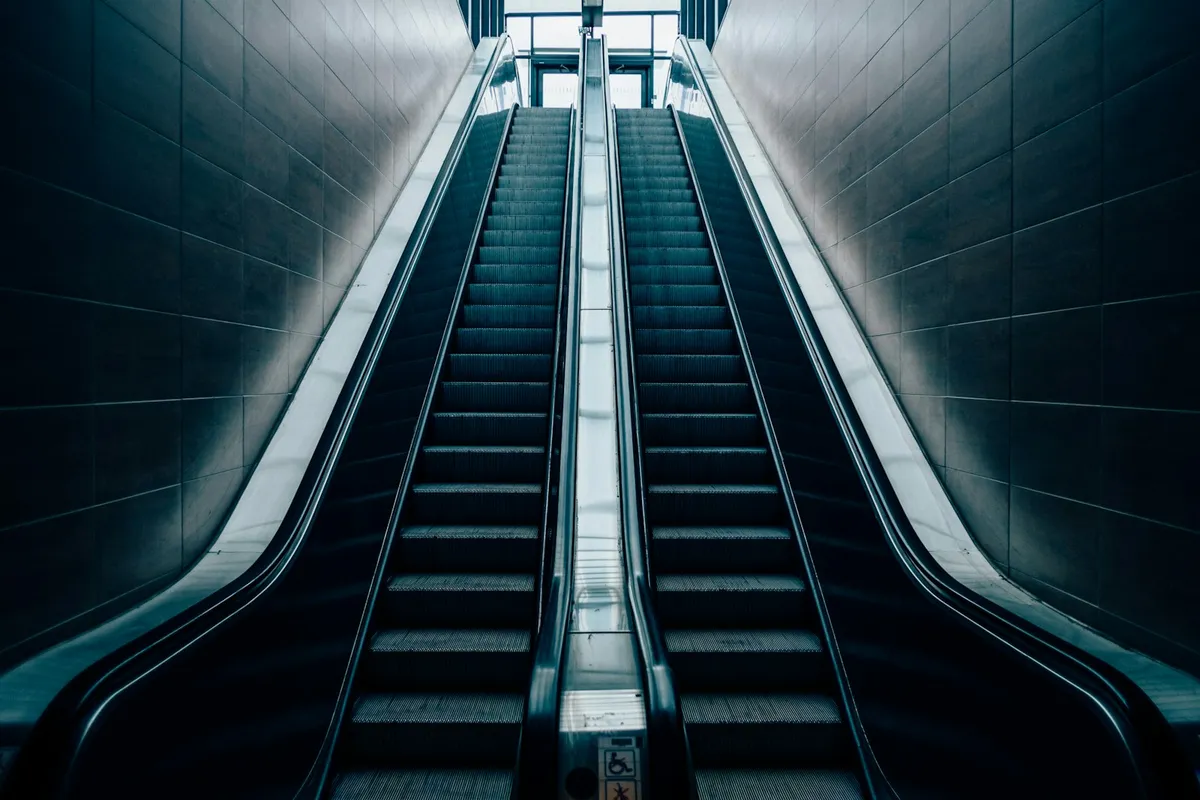
No. 0026
Photograph by Teemu Laukkarinen
Escalator, seen end to end
Show both ends of the move in one frame so a transition never reads as a jump.
Take
Hover and filter changes show where they are going: images scale to 1.02, the filtered grid re-sorts in place rather than fading to blank and back.
Leave
Page transitions. No loader, no fade between pages. Content appears when it is ready.
sfs-architecture
Hero
sof-0047

No. 0047
Photograph by Avtar Singh
Amber bottle, blank label
Leave the label almost empty and let the object and its shadow carry the frame.
Take
Let the photograph and its light carry the frame. Short headline, almost nothing else in the hero.
Leave
Only works with a strong, uncluttered project photo. A busy site photo makes the restraint look unfinished.
sfs-architecture
Project grid and filter
sof-0053
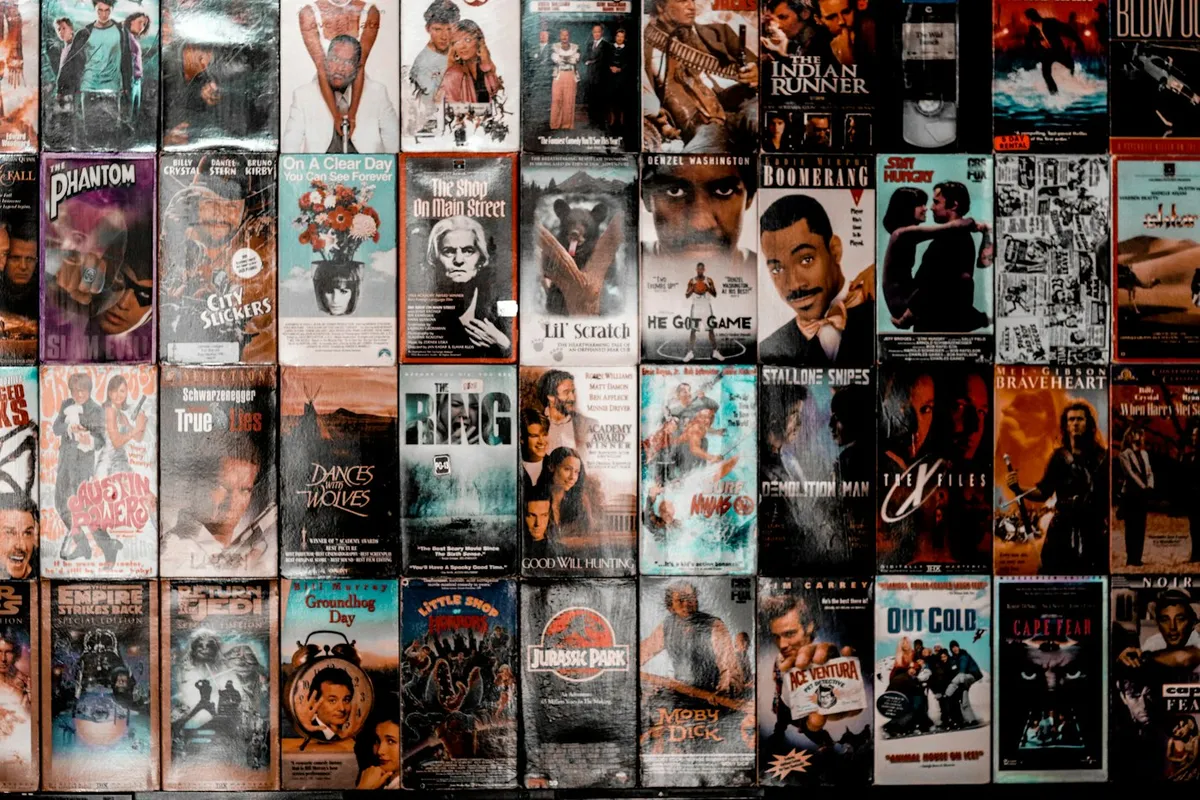
No. 0053
Photograph by Tyson Moultrie
A wall of VHS covers
Fix the frame and let the artwork vary, so a hundred different things still read as one wall.
Take
One fixed 4:3 frame and the project photos vary inside it. The case for a strict aspect ratio on the CMS image field.
Leave
The density. Three columns with air, not an edge-to-edge wall.
sfs-architecture
Project grid and filter
sof-0033
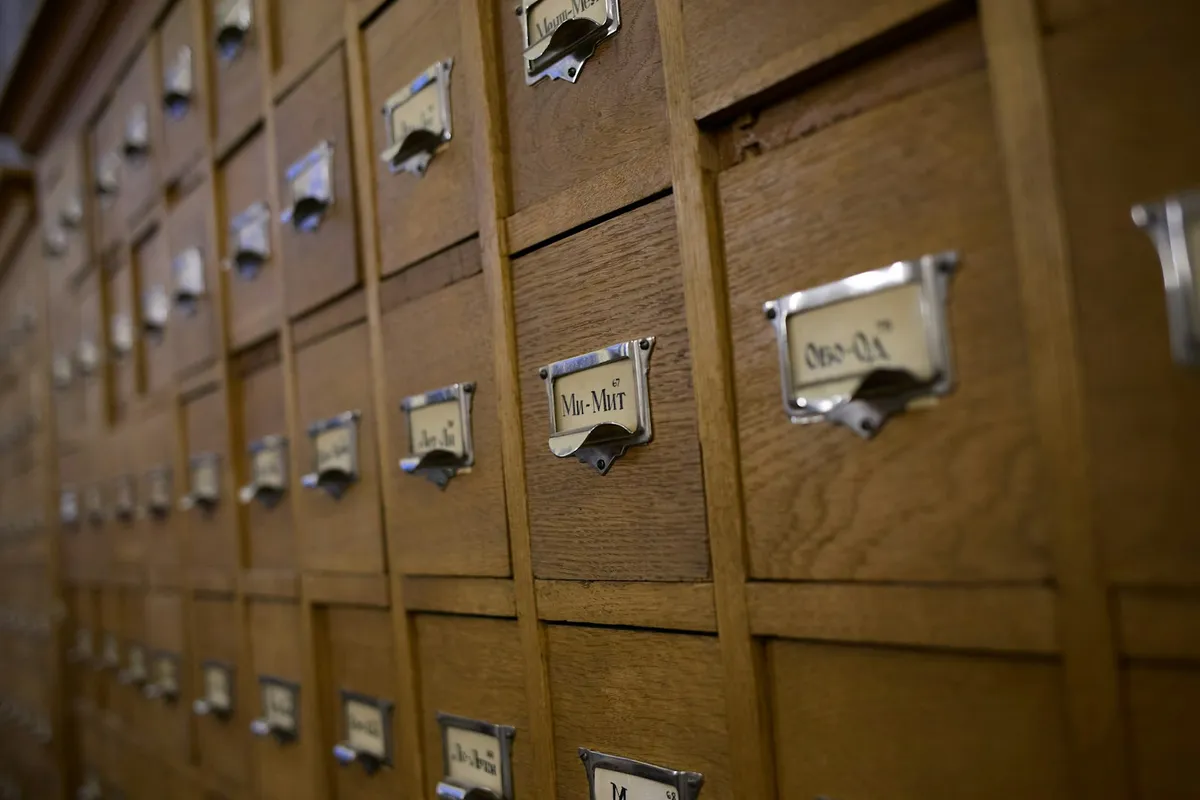
No. 0033
Photograph by Ilya Semenov
Card catalogue drawers
Fix one label in the same spot on every drawer so identical units stay scannable.
Take
Title, sector and location in the same position on every card, never shifting with content length.
Leave
Nothing. It is already restrained.
sfs-architecture
Project grid and filter
sof-0031
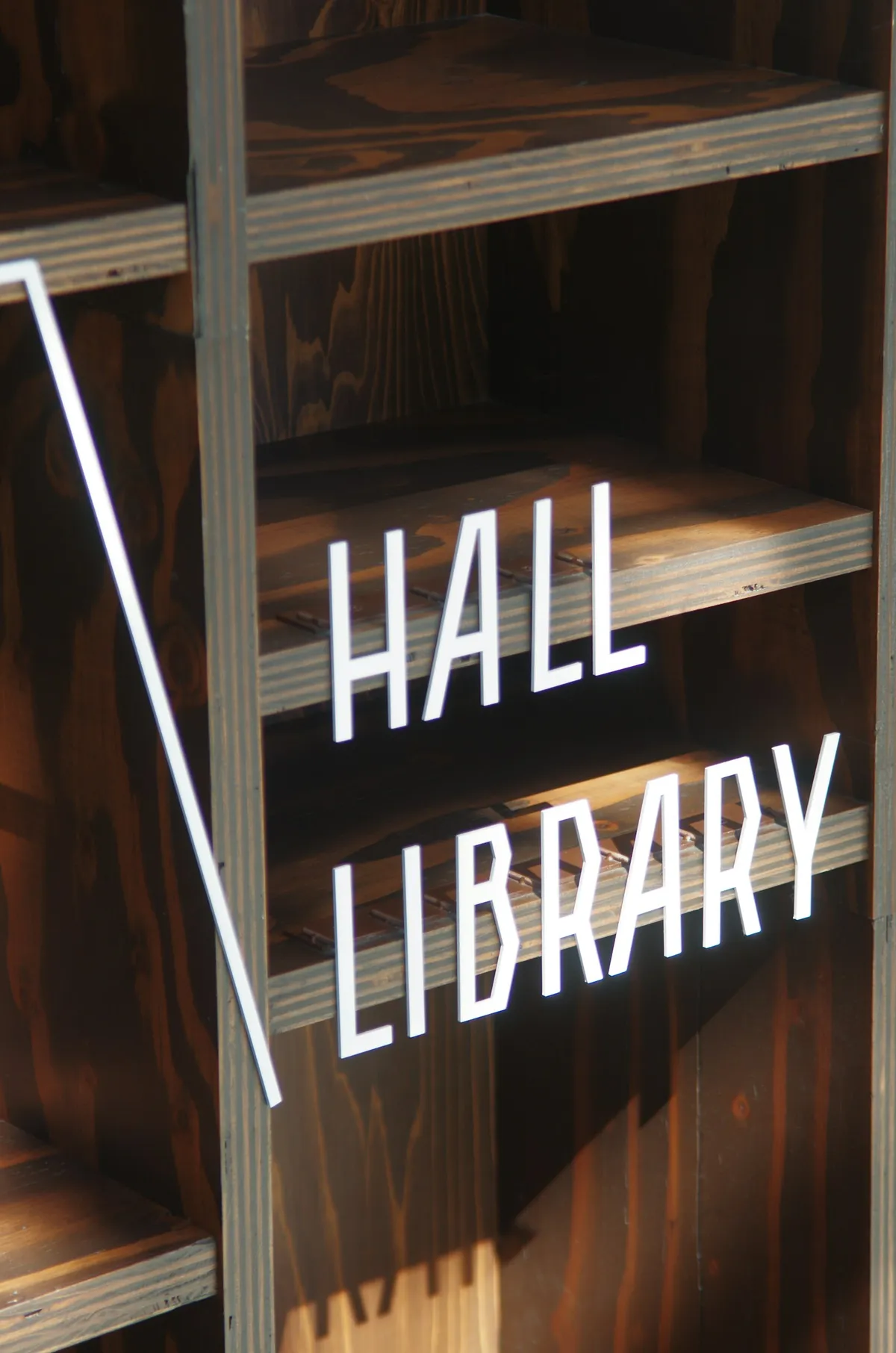
No. 0031
Photograph by TAKAHIRO NISHIZONO
Library hall sign over the shelves
Label the range above the shelf so a long list can be navigated without reading it.
Take
The sector filter sits above the grid and names the whole run. A visitor picks a sector before looking at a single project.
Leave
Do not bury it in a dropdown. It stays at the top of the projects page.
sfs-architecture
Project detail
sof-0015

No. 0015
Photograph by Faune Magazine
Faune magazine spread
Give the image a full page and the words their own, so neither has to fight for attention.
Take
Image gets its own space, text gets its own. No overlays, no wrapping. One decision per section.
Leave
The editorial pacing. A detail page here is photos plus a facts block, not a feature.
sfs-architecture
Project detail
sof-0034
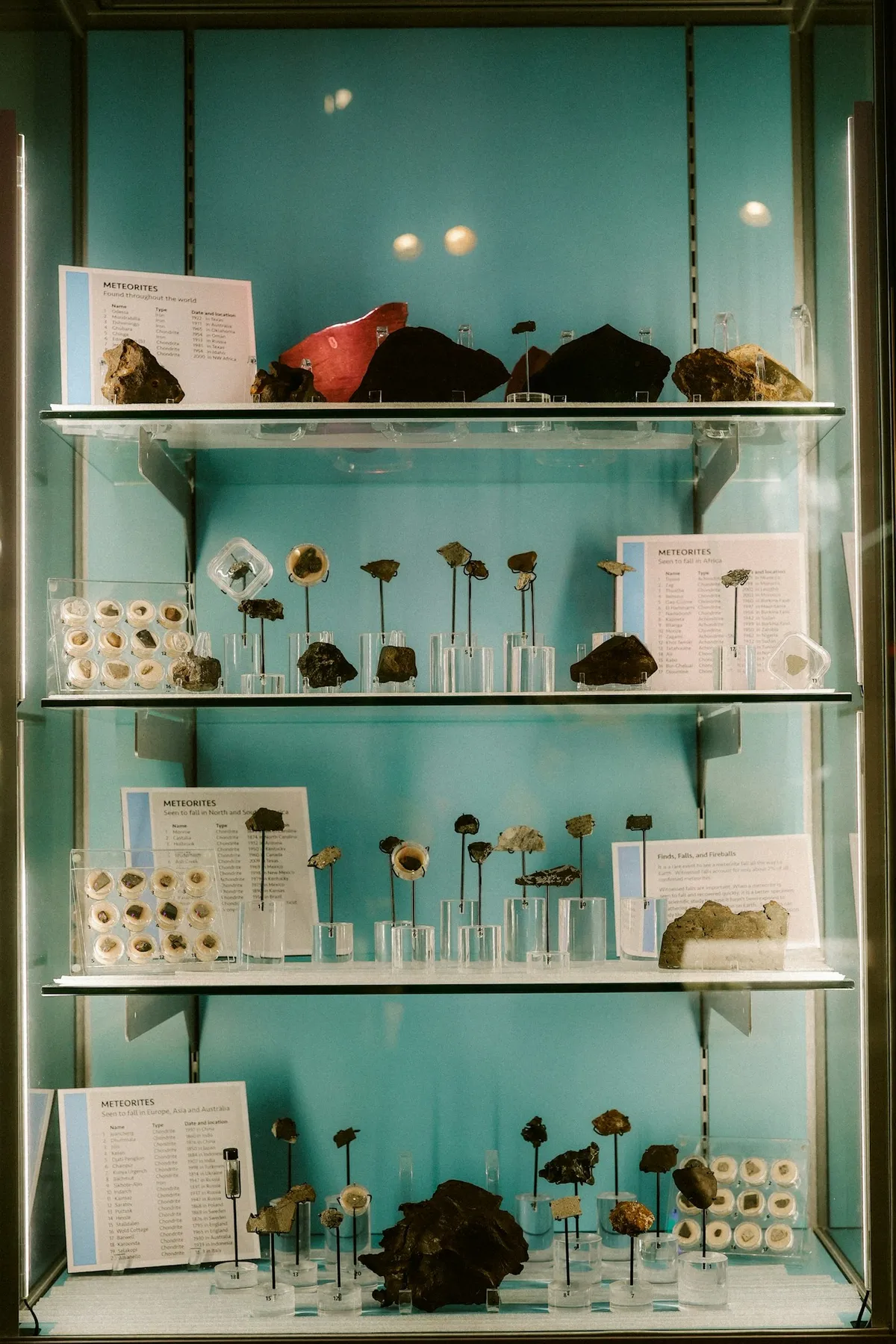
No. 0034
Photograph by Brooke Balentine
Labelled specimens under glass
Keep the label beside the object at a fixed distance so explanation never covers the work.
Take
Captions sit beside the image at a fixed distance. Explanation never covers the work.
Leave
The museum atmosphere. Keep the ground light.
sfs-architecture
Team
sof-0024
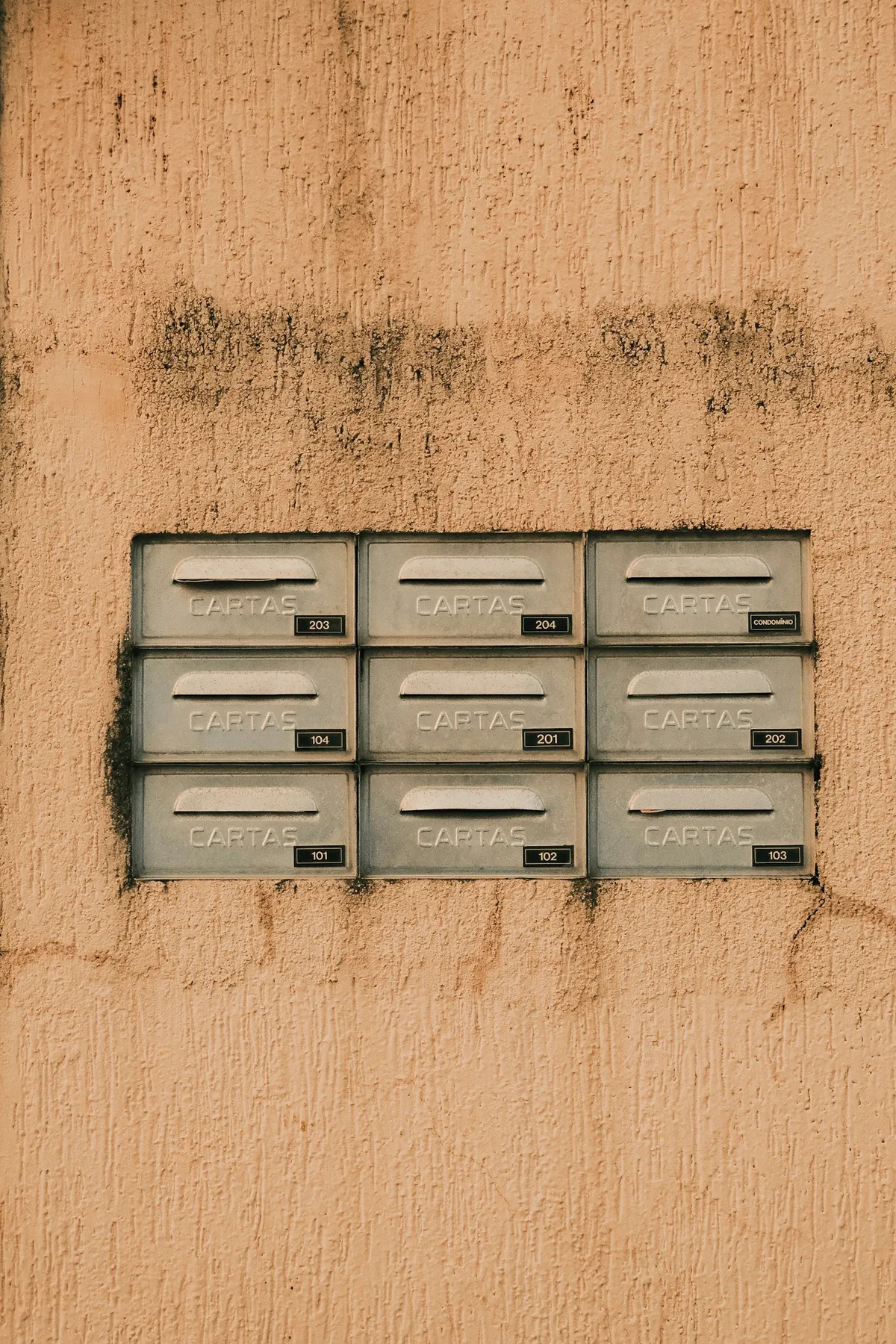
No. 0024
Photograph by Ivett M
Nine mailboxes in a stucco wall
Give every entry an identical slot so a full list reads as a block, not a ranking.
Take
Identical slots, same photo crop, same card. The team reads as a complete set, not a ranking.
Leave
If directors need to come first, do it by order, not by card size.
sfs-architecture
Services and about
sof-0063
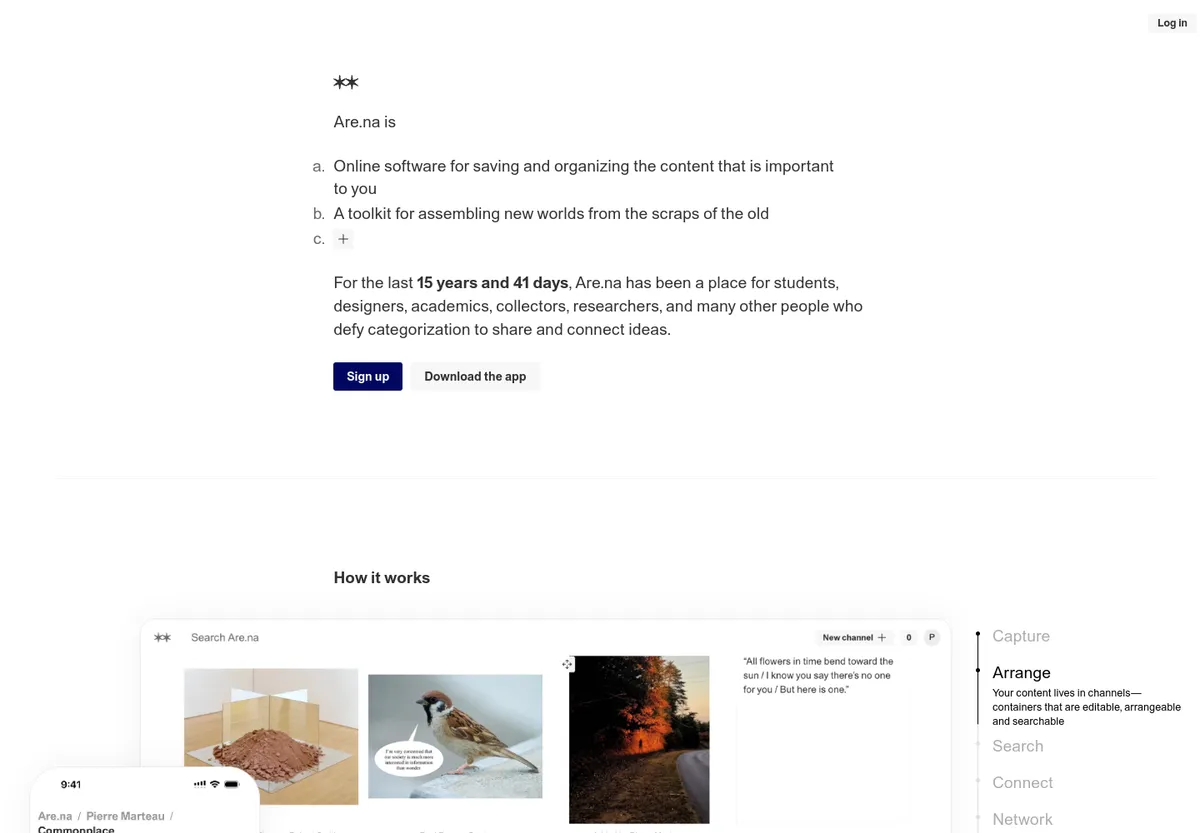
No. 0063
Are.na
Are.na, the argument in plain paragraphs
Write the argument as plain numbered paragraphs and let the examples appear underneath it.
Take
About and services copy as plain numbered paragraphs in body type. Reads as a document and earns trust.
Leave
The grid of blocks underneath. Keep the section to text and one photo.
sfs-architecture
Contact
sof-0022
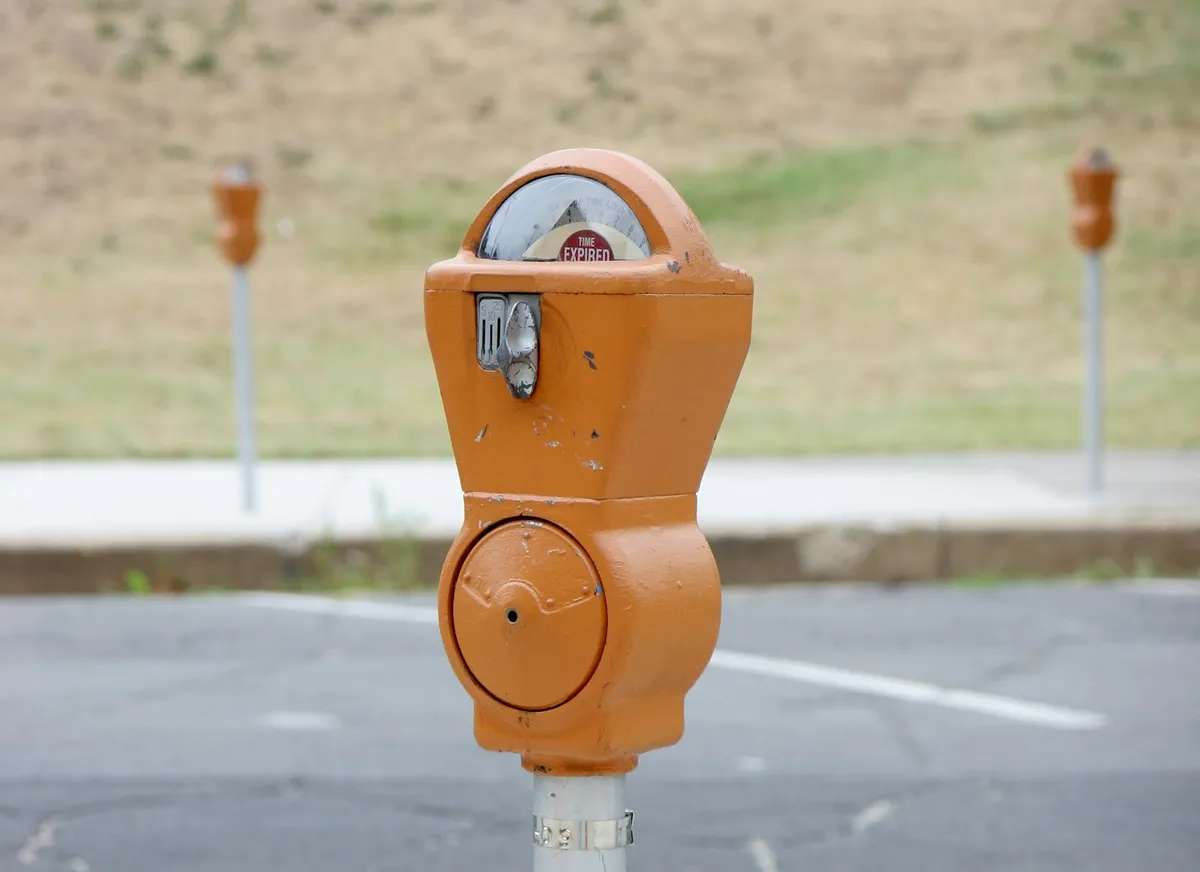
No. 0022
Photograph by John Cardamone
Parking meter
Keep the instruction, the control and the readout on a single face so nothing is hunted.
Take
Instruction, control and result on one face. Single-column form, label above field, confirmation below, WhatsApp and the map beside it as an equal route.
Leave
Nothing to remove.
sfs-architecture
Navigation and footer
sof-0012
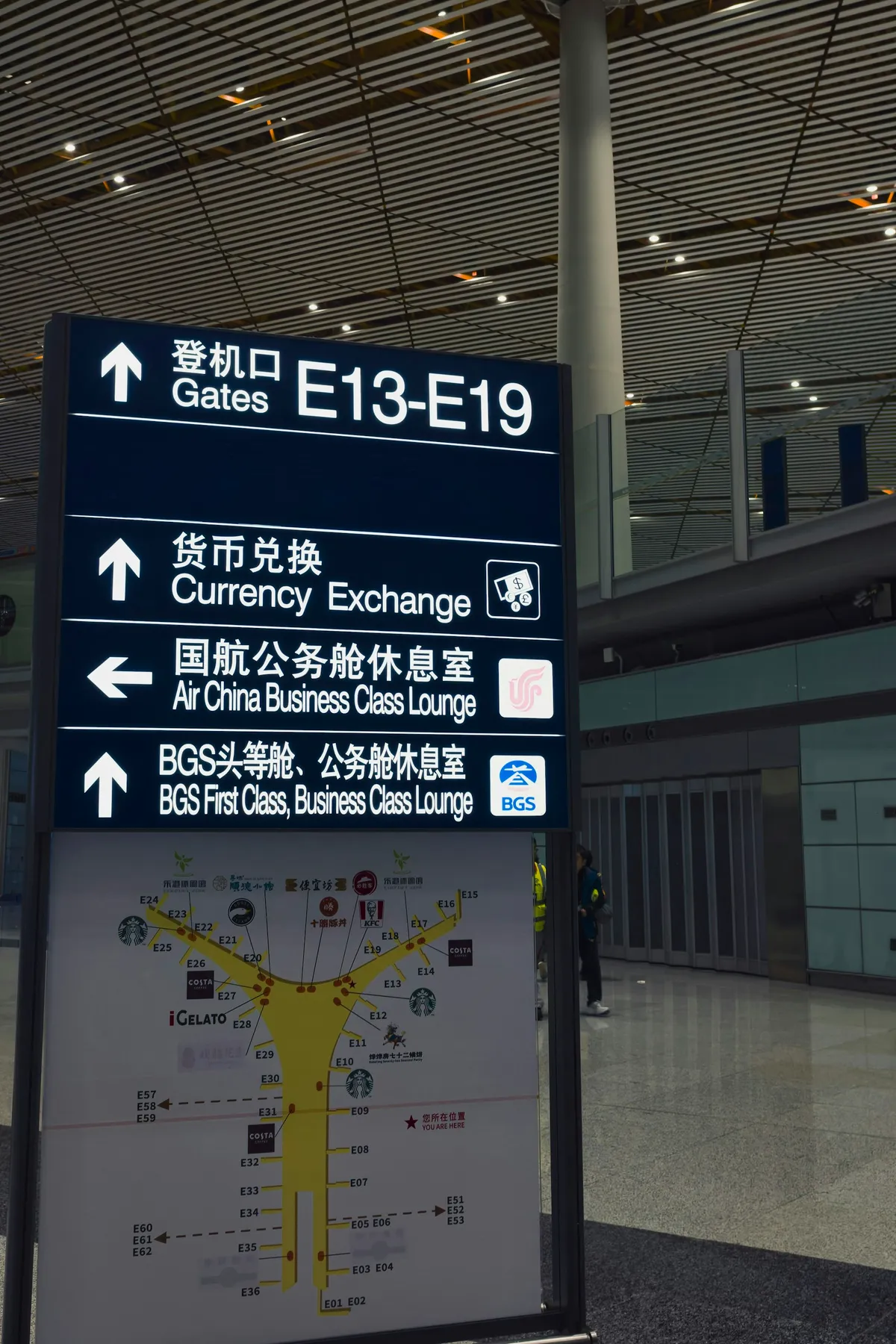
No. 0012
Photograph by Eric Prouzet
Airport gate signage
Rank three levels of information by size alone so a sign reads at a glance from any distance.
Take
Hierarchy by type size alone. No boxes, rules or icons in the nav. Six links at one weight.
Leave
The arrows and the three-tier stacking. The SFS nav is flat.
sfs-architecture
Navigation and footer
sof-0052

No. 0052
Photograph by Guerric de Ternay
Care label inside a shirt
Print the dull facts small, always in the same place, where the people who need them look.
Take
The permanent facts (registration, LAM number, address, phone, WhatsApp) set small, complete, always in the same place.
Leave
Nothing. This is the whole footer brief.
sfs-architecture
Not this
sof-0072

No. 0072
FlowCreates
SFS Architecture, a sans line that turns serif
Turn the headline's last words italic serif so the promise lands in a second voice.
Take
From the current staging build. Full-bleed slideshow hero, italic serif accent, a 01/05 counter.
Leave
Every item on the exclusion list in one frame. Replace with No. 0060 and No. 0047.
sfs-architecture
Not this
sof-0073

No. 0073
FlowCreates
SFS Architecture, four disciplines as folding panels
Open one panel and fold the rest to vertical labels, so four services share one frame.
Take
From the current staging build. A showy interaction on a dark ground.
Leave
The services section should be text. Replace with No. 0063.
sfs-architecture
Not this
sof-0074

No. 0074
FlowCreates
SFS Architecture, sectors as a ruled index
List sectors as ruled rows with a project count, so browsing reads as an index.
Take
From the current staging build. The idea is worth keeping: a sector list with project counts, each linking to a filtered grid.
Leave
The execution: mono caps, numbered rows, italic serif. Rebuild it as plain chips with counts.
sfs-architecture
Not this
sof-0075

No. 0075
FlowCreates
SFS Architecture, the studio name across the footer
Set the studio name across the full footer width so the page closes on the brand.
Take
From the current staging build. Oversized display type closing the page.
Leave
Replace with No. 0052.
sfs-architecture
Not this
sof-0069

No. 0069
GitHub
GitHub, four numbers in a row
Set four numbers in a row at one size and the claim is made before anyone reads a word.
Take
A stat band is the single most Gensler move on any practice site.
Leave
Excluded by the brief even without animated counters.
sfs-architecture
Not this
sof-0067
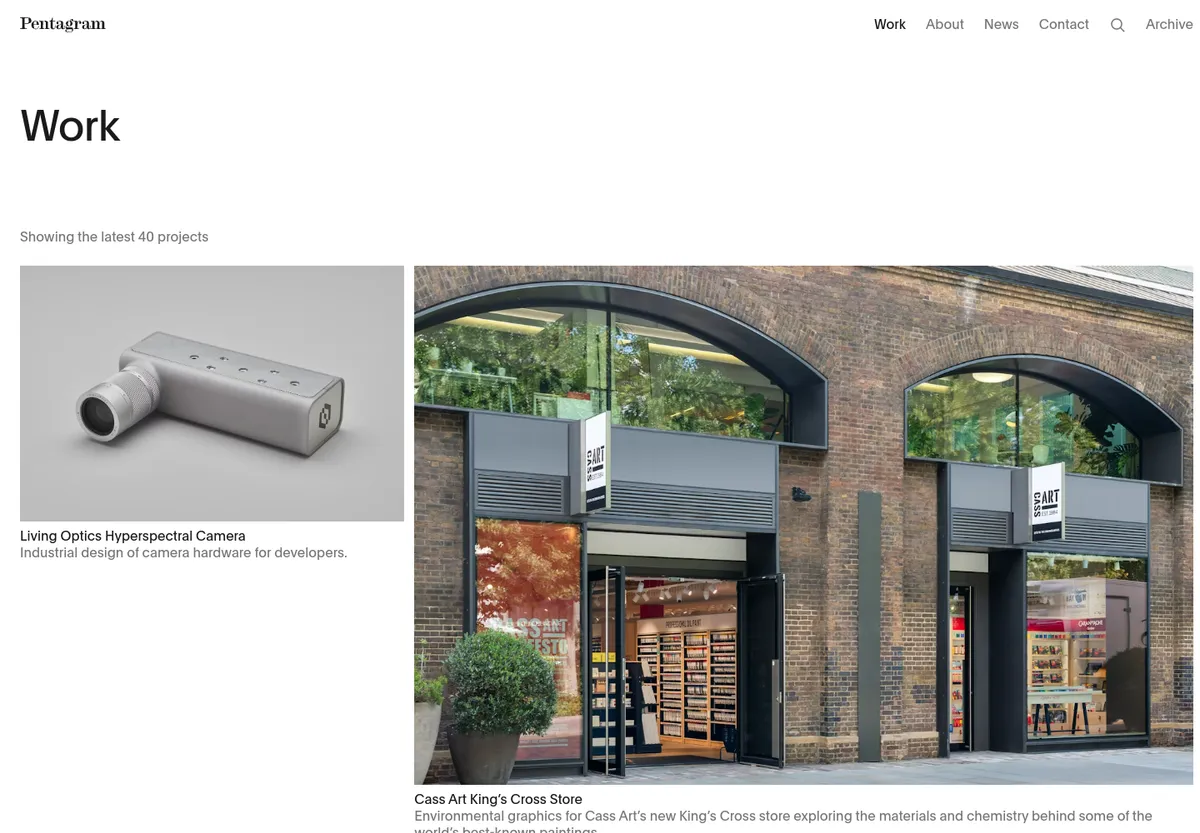
No. 0067
Pentagram
Pentagram's work index
Vary the size of the work and keep every caption identical, so the images set the rhythm.
Take
Mixed-size portfolio tiles read as editing, which is the editorial look the brief avoids.
Leave
The uniform grid (No. 0053, No. 0033) is the correct opposite.
The direction, in plain language
The site opens on one good photograph of your own work and a short line about what the practice does, then gets out of the way. Projects are the main event: a plain three-column grid, every photo the same shape, with a sector filter at the top so a developer looking for industrial or residential work finds it in one click. Each project page is photos and facts, nothing layered on top of the images. The team is a straight grid of equal cards. About and services are written as plain paragraphs a client can read in a minute. Contact is a simple form with WhatsApp and the map next to it. Navigation is six words, the footer carries the registration details and nothing decorative. One accent colour from the SFS logo does all the pointing. Nothing moves except a quiet fade as sections come into view.
Every reference on this board is a section or a physical object, not a competitor's site, so none of it looks like Aedas or Gensler. The current staging site is on the board as the before.